Free forever
BG Remove — Free, Unlimited AI Background Remover
Clean, smooth AI cutouts right in your browser. Use our free bg remove tool to remove the background from any photo or image in HD, compare before & after, undo any step, add a background, erase objects and watermarks — then download a high-quality PNG. No signup, no credits, no uploads.
- Free forever
- 100% private
- HD PNG
- Object remover
See the difference
Drag the slider — that's the result, in seconds
Clean, natural cutouts with sharp edges. Hair, fur and fine details are preserved, and you can swap in a new background, erase objects or watermarks, and download a transparent HD PNG.
- AI cutout with clean, natural edges
- Object, watermark & person remover built in
- Add a color, gradient, image or gallery background
- Batch mode: bg remove from many images at once
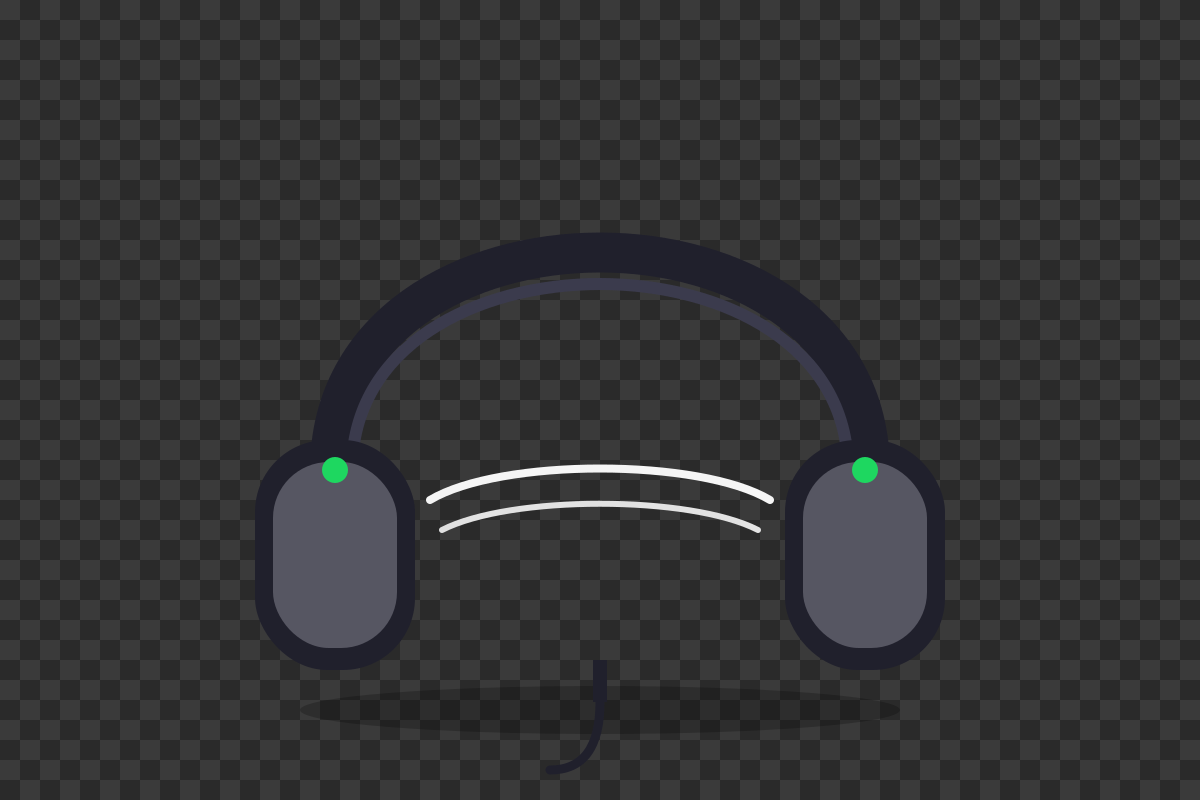
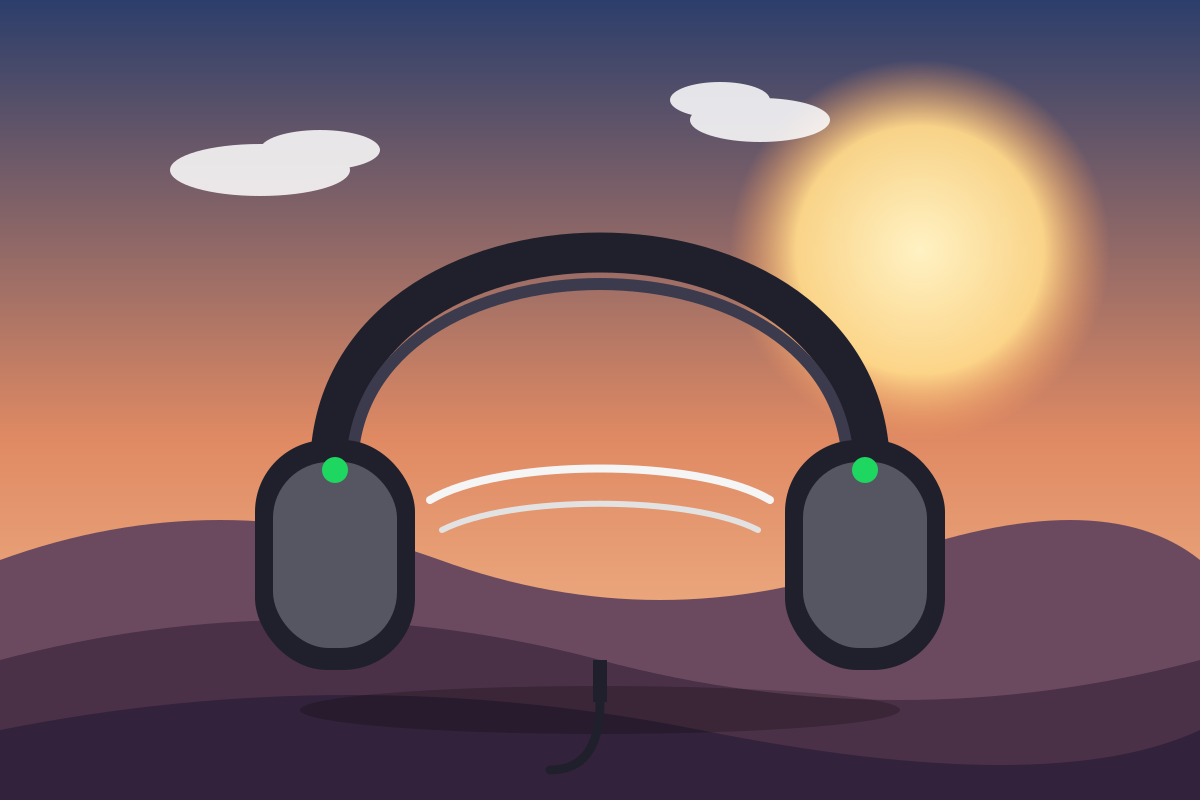
Drag to compare original vs cutout
Everything in one editor
Better than remove.bg — and completely free
No credit packs, no signup wall, no uploads to our servers. Just a fast, private, unlimited background remover and editor.
One-click cutout
AI removes the background automatically in seconds — clean edges, hair, fur and semi-transparent details included.
Your photos never leave your device
Everything runs in your browser. No uploads, no cloud, no data leakage. Your images stay yours, always.
Free and unlimited
No signup, no credits, no watermarks, no limits. Remove as many backgrounds as you like, forever.
Full undo history
Made a mistake? Step back through every edit — removal, inpainting, and background changes.
Before & after preview
Compare the original and the result side by side with a single toggle, before you download.
Object, watermark & person remover
Brush over anything you want gone — objects, watermarks, people, text — and AI fills the space naturally.
Add any background
Swap in a solid color, a gradient, or your own image. Transparent PNG export is always free.
High-quality PNG download
Export full-resolution transparent PNGs, pixel-perfect and ready for e-commerce, logos and design.
How it works
From photo to perfect cutout in seconds
Upload your image
Drop a photo into the editor. It stays on your device — nothing is uploaded anywhere.
AI removes the background
One click and the cutout is done. Fine-tune with the brush remover, undo, or compare before/after.
Add a background & download
Pick a color, gradient, or upload your own. Download a full-resolution transparent PNG instantly.
Made for everyone
One tool for every background task
E-commerce
Clean product shots on white or transparent for marketplaces. Batch-friendly and always free.
Photography
Headshots, portraits and car listings with crisp edges and natural hair detail.
Marketing & design
Logos, banners and social assets on transparent PNGs — no credit card, no watermark.
Creators
Erase watermarks, unwanted objects and photobombers straight in the browser.
Remove your first background now — it's free
No signup. No credits. No uploads. Your images never leave your device.
Start EditingBG Remove Guide
BG Remove: Free AI Background Remover for Photos & Images
Looking for a fast, free way to bg remove background from your photos? You have come to the right place. AI BG Remove is a free, unlimited, online background remover that uses artificial intelligence to cut any subject out of an image in seconds — no signup, no credits, and no watermarks.
What Does "BG Remove" Mean?
"BG remove" is shorthand for background removal — the process of taking a photo or image and erasing everything behind the main subject so it stands alone on a transparent background.
BG Remove Free — Unlimited and 100% Private
Most bg remove online tools charge per image or lock results behind a subscription. AI BG Remove is different: it is completely free, with no limits on the number of images you can process.
BG Remove AI — How the Technology Works
Our bg remove ai engine uses the open-source ISNet model to analyze every pixel and predict which parts belong to the subject and which parts belong to the background.
BG Remove HD — Pixel-Perfect High Resolution Output
Many online tools compress your result and force you to pay for high resolution. AI BG Remove exports at the original resolution of your photo.
BG Remove Image & Photo Use Cases
A bg remove photo tool is useful for dozens of everyday jobs. For e-commerce, you can create clean product shots on white or transparent backgrounds.
You can bg remove image uploads in PNG, JPG, WebP, AVIF, and GIF formats.
How to Use the BG Remove Online Tool
Using our free bg remove online tool takes just three steps. First, upload your photo. Second, let the AI remove the background. Third, add a new background or download.
Why AI BG Remove Is Better Than Other BG Remove Sites
The market is full of background removers, but most share the same frustrations: credit packs, signup walls, watermarks, and uploads to unknown servers.
Frequently Asked Questions About BG Remove
Here are the questions we hear most often about removing backgrounds online.
- Is there a free bg remove tool without watermarks?Yes. AI BG Remove is free forever, unlimited, and never adds watermarks to your downloads.
- Do you upload my photos?No. The bg remove ai runs in your browser, so your images never leave your device.
- Can I remove the background from HD images?Absolutely. The tool keeps your original resolution and exports high-quality HD PNGs.
- What can I do after removing a background?Add a color, gradient, or image background, erase objects and watermarks, and compare before and after before downloading.
Stop paying per image and start using the best free AI bg remove tool on the web.open the free background removerto get started.
FAQ
Frequently Asked Questions About BG Remove
Answers about free background removal, privacy, AI, mobile, and pricing.
How do I remove a background?
Removing a background is easy. Open the free bg remove tool, drop your photo into the editor, and the AI cuts out the subject in seconds.
Is remove bg free?
Yes. AI BG Remove is completely free, with no credits, subscriptions, signup walls, or watermarks.
How do I remove a background for free?
Use the AI BG Remove tool. Upload your image, let the AI remove the background automatically, and download a high-resolution transparent PNG.
Does remove.bg save photos?
Remove.bg is a separate paid service. With AI BG Remove your photos are never saved or uploaded anywhere.
Is remove.bg using AI?
Yes, background removal is powered by artificial intelligence. Our bg remove tool uses the open-source ISNet model.
How do I remove a background on mobile?
Open the bg remove tool in any mobile browser, upload or take a photo, and the AI removes the background in seconds.
What is remove bg?
"Remove bg" (background removal) is the process of erasing everything behind the main subject of a photo so it stands alone on a transparent background.
Can I remove a background on my iPhone?
Yes. On iPhone and iPad, Safari 17 and later supports background removal directly in the browser.
How do I change the background of a photo on mobile?
First remove the original background with the bg remove tool, then add a new one.
How much does background removal cost?
Many services charge per image or behind a subscription. AI BG Remove is free forever and unlimited.
How do I easily remove a background?
Upload your photo to the free bg remove tool and let the AI do the work.
What are the benefits of background removal?
Background removal lets you reuse one photo anywhere: clean product shots for marketplaces, portraits on transparent backgrounds.